

Find the payment setup that fits how your sector trades.
Browse Pulsare Pay by trading environment instead of wading through a generic product list. From retail counters and table service to mobile work, market stalls and appointment-led businesses, we map the likely setup, proof points and next step before you ask for pricing.
Matched by environment
Start with where payment happens — counter, table-side, on-site, stall or booking-led — before narrowing the product mix.
Clearer setup proof
Each sector shows the likely hardware, EPOS and online layers so the route makes commercial sense quickly.
Confident next step
Once the fit looks right, move straight to a tailored quote instead of restarting the conversation from zero.
Browse by sector
Jump to the trading environment that looks most like yours.
Use the routing list below to compare the likely setup, operating fit and commercial next step before you ask for pricing.
Across every sector
- Card, contactless and mobile wallet payments kept inside a cleaner day-to-day flow.
- Hardware, EPOS or online collection matched to the way your business actually operates.
- One route from sector browse to tailored quote, with a UK team replying within one working day.
Sector overview
Compare the fit first, then use the proof to narrow the route.
This page is designed to help you compare sectors in the same language the homepage uses: what the business looks like, what setup usually fits, and what the sensible next step is.
Whether you need a terminal, EPOS workflow, online checkout or a mix of all three, the goal is to make the fit clearer before pricing, paperwork or rollout details enter the conversation.
What you are really comparing
Where payment happens, how much operational support sits behind it, and whether remote collection or repeat-visit workflows matter to the sale.
Fit
Start with the real trading environment.
Pick the sector that most closely matches where payment happens: counter, table-side, on-site, stall or appointment-led service.
Proof
Check the setup signals that support the sale.
Look for the combination of terminal, EPOS, online collection and integrations that shows how the route works day to day.
Next step
Move to pricing once the route is clear.
When the fit looks right, request a tailored quote around volume, workflow and rollout timing instead of starting from a blank page.
Sector playbooks
Six sectors, organised with the same comparison logic.
Each playbook follows one rhythm: trading context, likely setup, operating proof and the next commercial step. That keeps the page easier to compare without flattening the real differences between sectors.
How every playbook is structured
Trading environment
Start with where payment actually happens: counter, table-side, on-site, stall or appointment-led service.
Likely setup
See whether the route leans toward terminals, EPOS, online collection or a more joined-up mix.
Commercial next step
Move to a tailored quote once the fit is clear, instead of restarting the conversation from zero.
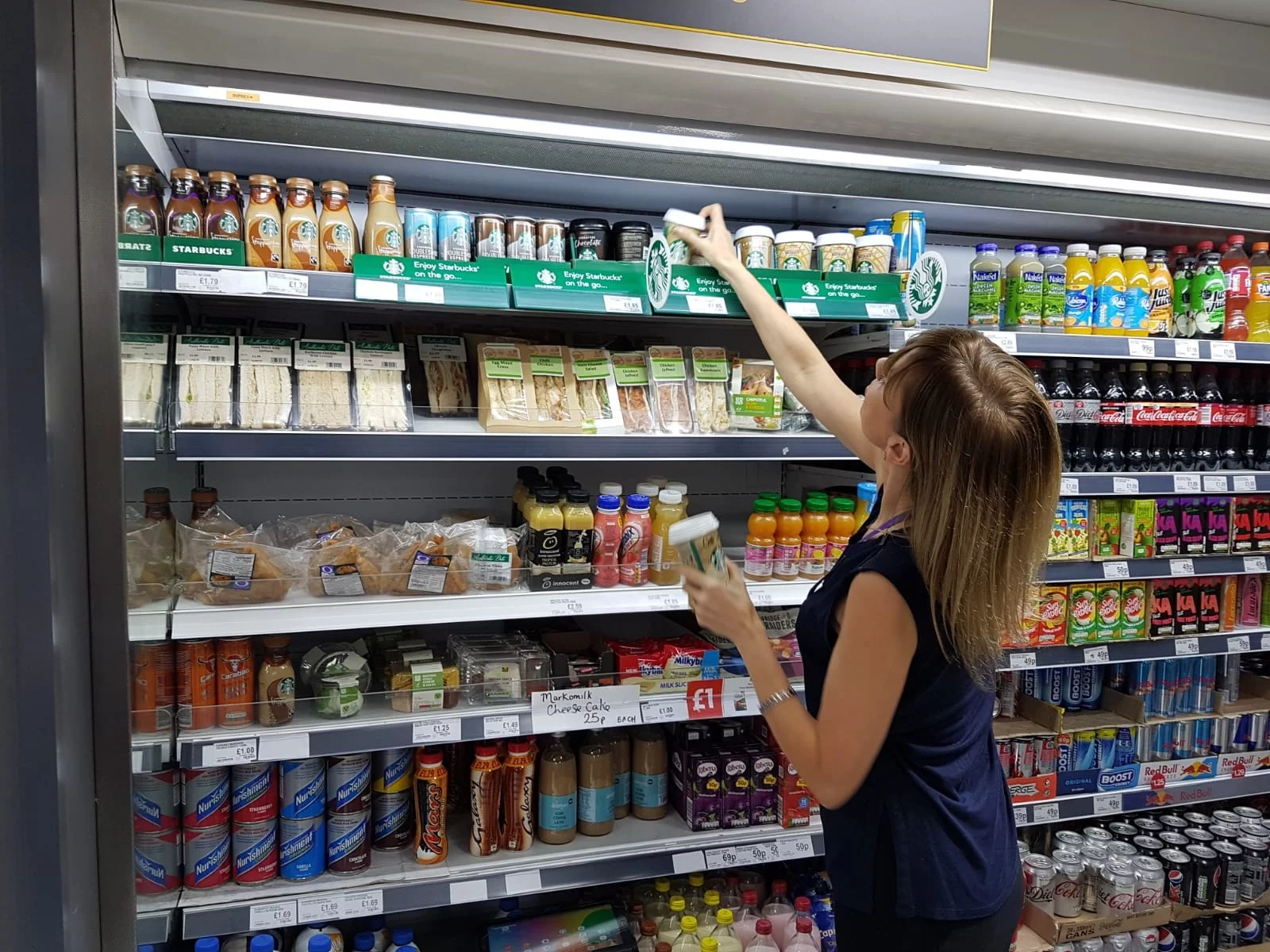
Best fit
Fast checkouts, stock visibility and online follow-up kept inside one joined-up retail flow.
Sector playbook
Retail & convenience stores
For retailers and convenience stores, the right setup is usually a fast card terminal paired with EPOS, with an online layer added when follow-up orders or web sales matter to the business.
Front of house
Fast checkouts, fewer queue bottlenecks and a cleaner handoff between in-store and online trade.
Back office
Xero, FreshBooks, Sage and QuickBooks integrations keep your accounts connected without manual export work.
Likely setup
Common finance integrations
Operating priorities
Use these three signals to compare the fit before you move into rates, paperwork or rollout details.
Sector playbook
Restaurants, cafés & takeaways
Hospitality needs the payment moment to stay invisible to the guest, so the strongest fit is usually a terminal and EPOS combination that supports till flow, table service, bookings and staff coordination together.
Service moment
Take payments at the till, at the table, or online without pulling the customer into a separate flow.
Operations
Bookings, table management and staff performance connect through the same EPOS rather than separate apps.
Likely setup
Operating priorities
Use these three signals to compare the fit before you move into rates, paperwork or rollout details.
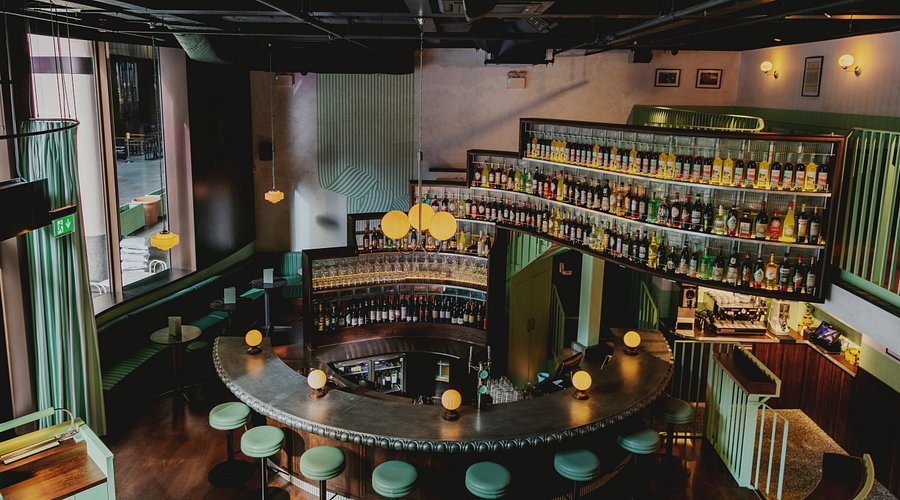
Best fit
Table-side speed, bookings and service flow working together in the same payment setup.

Best fit
Portable payments, secure follow-up and cleaner job admin for work that closes away from a fixed counter.
Sector playbook
Tradespeople & mobile businesses
For mobile teams, the sale can close on-site, by invoice or before arrival, so the setup often needs wireless hardware, payment links and enough admin support to make the business look organised in front of the customer.
Payment options
Portable readers and payment links both matter when the sale can close on-site, by invoice, or before you arrive.
Business admin
Job tracking and customer records make the offer feel more professional than carrying a reader alone.
Likely setup
Common finance integrations
Operating priorities
Use these three signals to compare the fit before you move into rates, paperwork or rollout details.
Sector playbook
Market stalls & events
For stalls, fairs, pop-ups and exhibitions, the strongest route is usually a lightweight wireless terminal with 4G resilience, plus remote collection for pre-orders or post-event follow-up when needed.
On the day
Long battery life and 4G fallback keep you taking payments through a full trading day, regardless of venue connectivity.
Queue management
Fast checkout matters more here than a permanent till setup, so lightweight hardware keeps lines moving.
Likely setup
Operating priorities
Use these three signals to compare the fit before you move into rates, paperwork or rollout details.
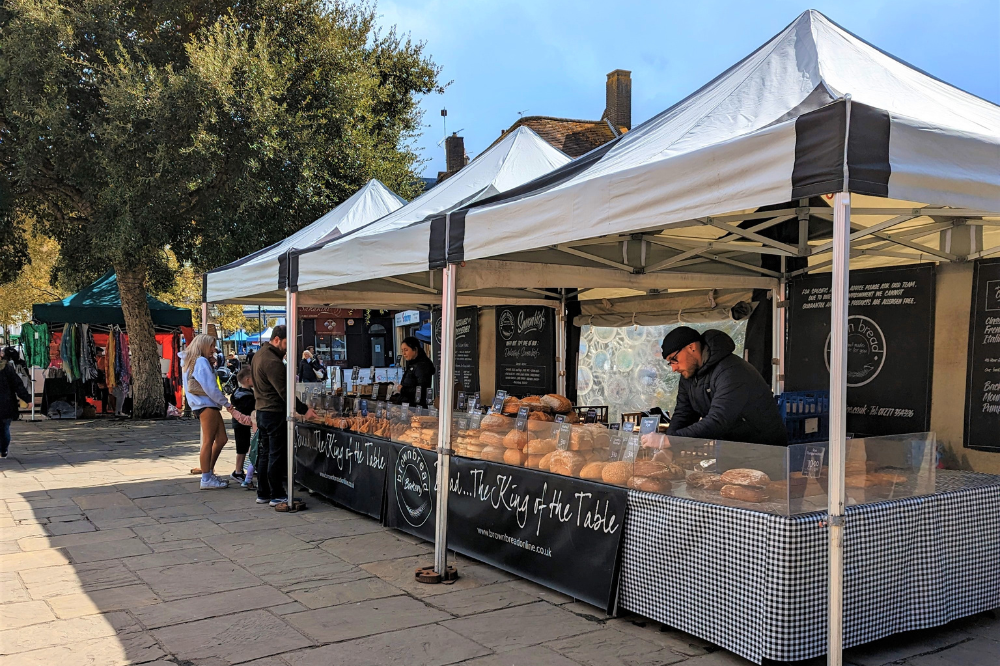
Best fit
Queue-friendly card acceptance built for pop-ups, events and trading windows where space and speed are both tight.
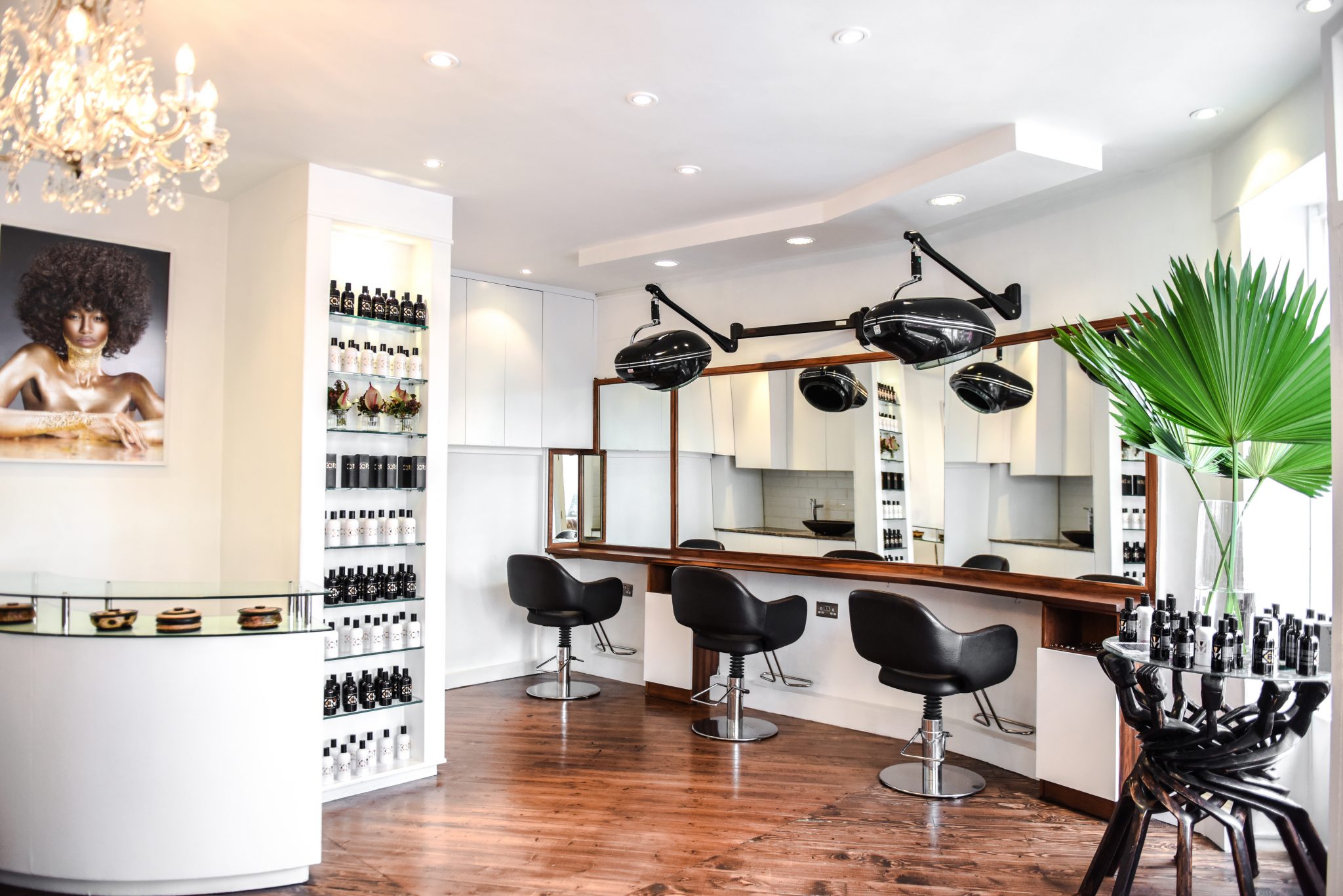
Best fit
Deposits, repeat visits and client records handled in a payment flow that feels more premium from booking to checkout.
Sector playbook
Salons & beauty professionals
Appointment-led businesses usually need more than a reader at the chair. The stronger fit is a combination of card acceptance, online deposits and booking-aware software that protects staff time and repeat revenue.
Revenue protection
Deposits and prepayments directly protect chair time and staff utilisation instead of sitting as a nice extra.
Client experience
Booking reminders, easy checkout and client records make the service feel more organised and more premium.
Likely setup
Operating priorities
Use these three signals to compare the fit before you move into rates, paperwork or rollout details.
Sector playbook
Mechanics & car showrooms
Automotive businesses often need the payment experience to reinforce trust, so the fit normally combines terminals, online collection and record-keeping that supports service history, parts and repeat customer admin.
Transaction profile
Higher-value service bills and deposits mean the payment experience needs to look professional, not improvised.
Customer records
Service history, parts tracking and repeat customer data make EPOS genuinely useful in an automotive context.
Likely setup
Common finance integrations
Operating priorities
Use these three signals to compare the fit before you move into rates, paperwork or rollout details.

Best fit
Deposits, higher-ticket invoices and customer records presented in a way that feels professional at collection day.
Trust across every trading environment
The sector may change. The operating standard does not.
Every playbook above uses the same commercial baseline: secure payment handling, named UK support, prepared rollout and a quote shaped around how the business actually trades.
What this means in practice
You do not get one standard for retail and another for mobile teams. The route changes, but the operating standard stays premium throughout.
Security
PCI DSS compliant
Secure payment handling across card, EPOS and online collection.
Support
UK-based replies
Useful answers from a real team before rollout and after go-live.
Rollout
Configured hardware
Approved orders can land ready to trade instead of starting from a blank box.
Commercial fit
Tailored quote
Rates, setup shape and timing matched to sector, volume and workflow.
Confirm your route
Ready to confirm the payment setup that fits your sector?
Tell us whether payment happens at the counter, table-side, on-site, at an event or around appointments. We'll narrow the route first, then shape the quote around volume, workflow and rollout timing.
Share the environment, current setup and monthly volume. We'll keep the first conversation commercial and useful.
What happens next
A clean route from sector choice to commercial recommendation.
- 1
Tell us where payment happens
Start hereCounter, portable, table-side, online follow-up or appointment-led — start with the real trading environment.
- 2
We narrow the best-fit route
Terminal, EPOS and online collection matched to the workflow rather than forced into a generic package.
- 3
Receive a tailored commercial quote
Rates, rollout expectations and support shaped around your sector, volume and operating model.
The goal is simple: one clear recommendation that still feels useful after go-live, not a confusing first reply.