

3 payment routes · merchandised clearly · UK-based support

Choose the payment route that fits the sale.

Compare the three ways Pulsare Pay merchants usually need to get paid: a card terminal when the customer is in front of you, a hosted checkout when payment happens remotely, or a fuller EPOS setup when the transaction sits inside day-to-day operations.

Face-to-face hardware Online & remote checkout Till + reporting + workflows Configured rollout

Catalogue logic

Start with the sale

The page is organised around where payment happens first, so scanning the range feels commercially clearer.

Day one

Configured to launch

Hardware, checkout flow and onboarding guidance stay aligned around the route you actually choose.

Support

UK-based team

Talk to real people about product fit, rollout timing and the right next step once the route is clear.

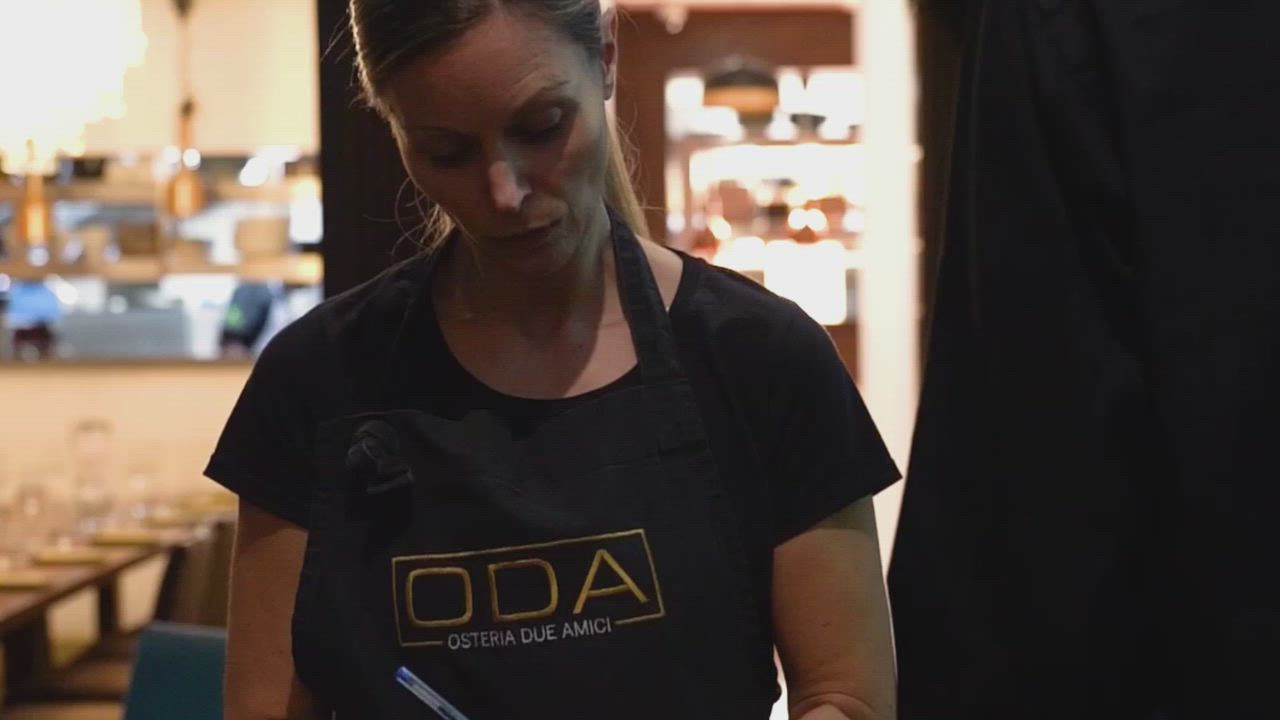
Merchant using a card terminal in a hospitality setting
Merchant checkout context
Choose by selling environment

Range preview

The catalogue starts with the trading environment, then narrows to the right hardware or checkout layer.

Choose by where payment happens Configured rollout available

The lineup

Three routes, shown with the same visual logic you meet again in the product cards below.

3 routes
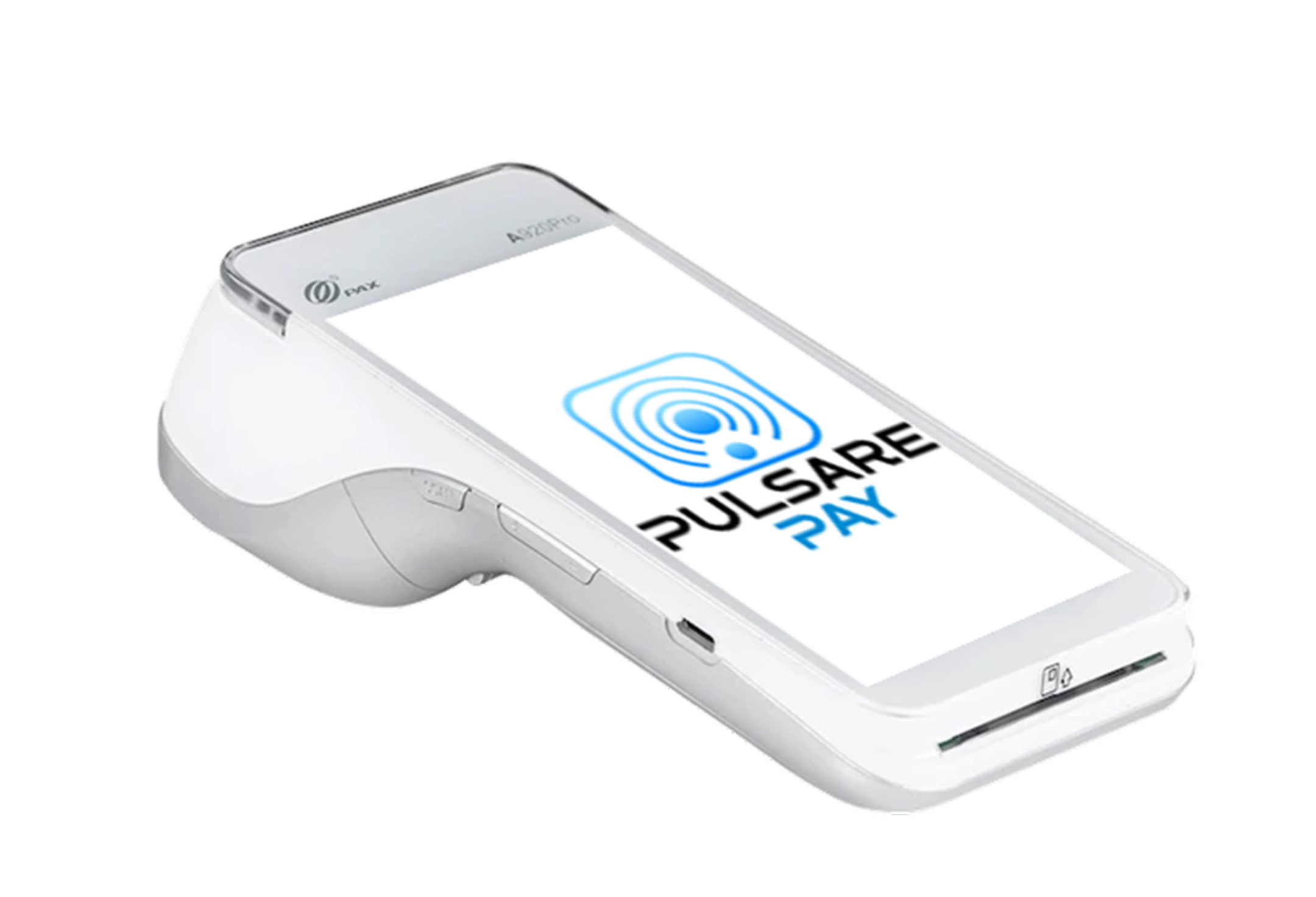
PAX A920 Pro card terminal

Terminal

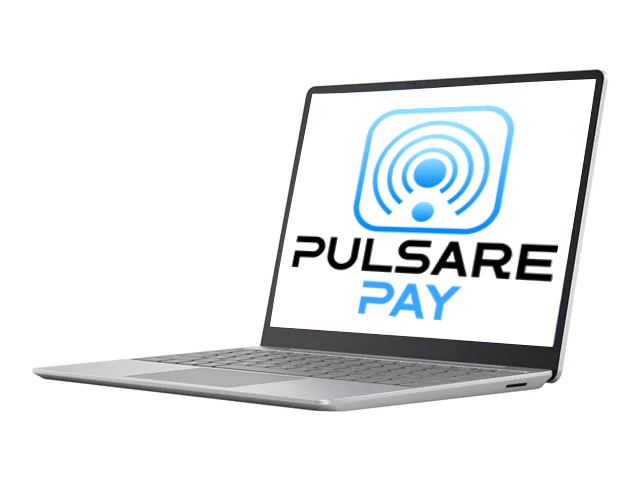
Pulsare Pay hosted checkout on laptop

Online

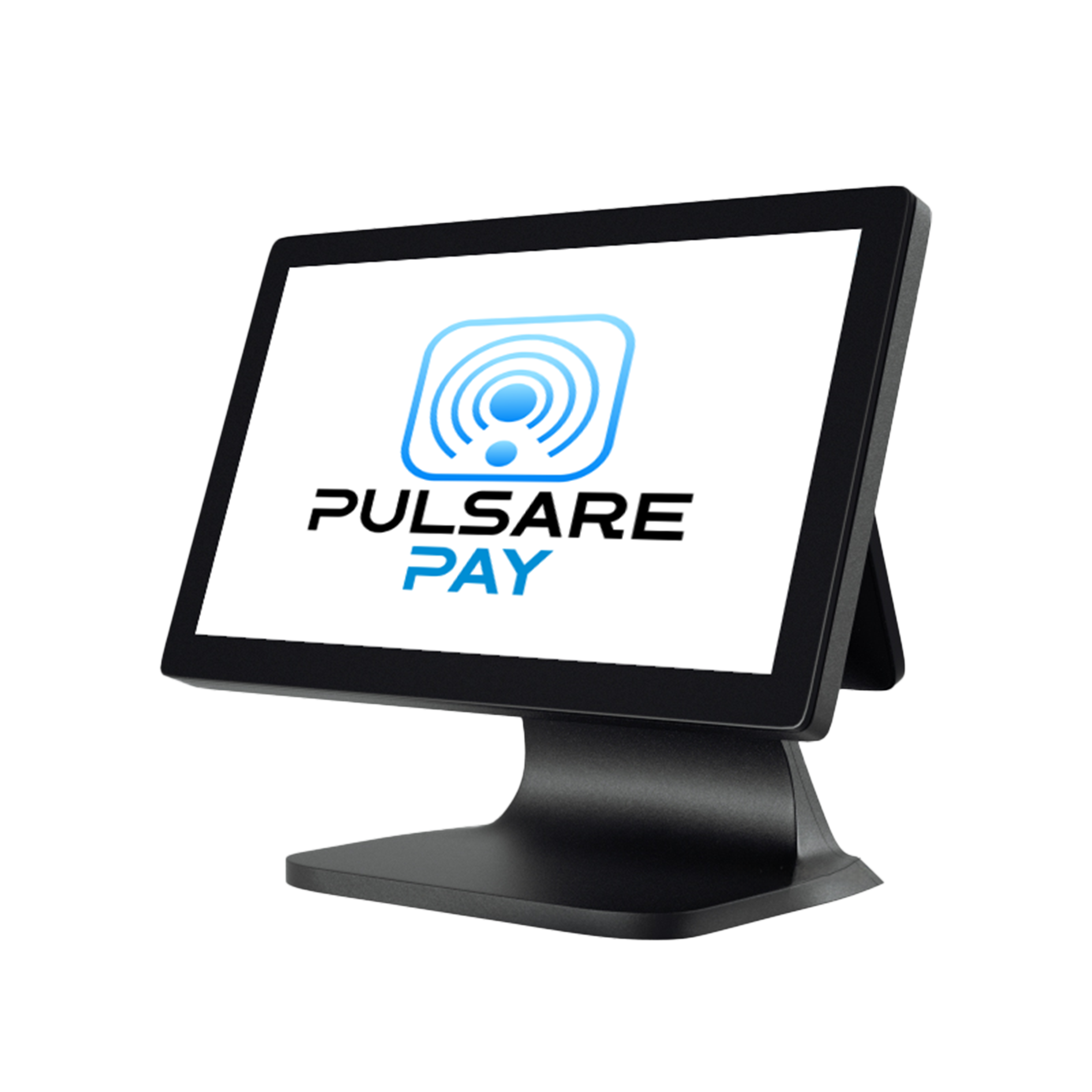
Pulsare Pay EPOS system

EPOS

How this page is organised

Start with the sale location, then confirm the best-fit route.

That same order carries from this showcase into the route selector and the three catalogue cards below.

Counter Remote Full till flow

Start with where the sale happens.

These same three routes continue into the catalogue below — just with cleaner proof, tighter card structure and a clearer next step into pricing.

3 ways to trade

Still weighing the fit? The comparison guide below breaks down which route usually makes the most sense.

Use the comparison guide

The same three routes, with fuller detail.

Start with where payment happens, then scan the proof blocks, common fits and pricing CTA for each route. The structure stays consistent so the decision feels clearer as you move down the page.

Face-to-face payments Online and remote collection Full counter operations

How to read the catalogue

01

Pick the selling environment

Start with counter, remote or fuller till flow before worrying about anything else.

02

Scan the proof blocks

Each card keeps best fit, setup shape and common use cases in the same places.

03

Move to pricing once fit is clear

Use the quote CTA when the route makes commercial sense for your business.

Product view

A clean terminal setup for face-to-face payments.
Wi-Fi + 4G

Media view

Handheld terminal

Primary fit

Counter · table · mobile

PAX A920 Pro card terminal

What this setup enables

Designed for card, contactless and wallet payments wherever the customer is standing.

Merchant fit

Best for counters, queue-busting, table service and mobile teams.

Rollout

Approved devices can be configured and shipped ready to trade.

Portable payment hardware

Face to face

Card Terminals

Compact card acceptance for counters, queue-busting, tableside service and on-site jobs.

Best for

Retail counters, cafés, market stalls, delivery teams and trades that want fast in-person payments without adding a wider till system.

Setup fit

One handheld route for contactless, chip & PIN and wallet payments with Wi-Fi and 4G built in.

Common fits

CounterTablesideQueue bustingOn-site work
  • Contactless, chip & PIN, Apple Pay and Google Pay from one terminal
  • Wi-Fi and 4G connectivity in one handheld device
  • Pre-configured hardware ready to start trading quickly

Product view

Hosted checkout and payment links for merchants collecting remotely.

No hardware required

Media view

Hosted checkout

Primary fit

Website · links · invoices

Pulsare Pay hosted checkout shown on a laptop

What this setup enables

Collect payment remotely with a cleaner checkout flow and secure follow-up links.

Merchant fit

Strong for online stores, deposits, invoices and quote follow-up.

Visibility

See orders, customers and payment activity in one place.

Hosted checkout + secure links

Online

E-Commerce

Use your website, checkout page or payment links to collect deposits, invoices and full online orders.

Best for

Online stores, clinics, consultants and deposit-led service businesses where the customer completes payment remotely.

Setup fit

Hosted checkout and secure payment links for remote collection without adding countertop hardware to the job.

Common fits

Hosted checkoutPayment linksRemote invoicesOrder dashboard
  • Website checkout and secure payment links for remote collection
  • Works with major e-commerce platforms and online sales flows
  • Live view of orders, customers and payment activity

Confirm the right setup without reading every card twice.

The three route cards below keep the same product story as the catalogue above. Use them to choose the likely winner first, then let the decision lenses confirm whether you need a terminal, a remote checkout layer, or a fuller EPOS setup.

Sale location first Check day-one setup Confirm tooling depth

How to use the comparison

The section is meant to narrow the route quickly, not repeat every product detail.

Three decision lenses
  1. 1

    Pick the route by where payment happens

    Start here

    In person, online, or as part of a broader counter workflow.

  2. 2

    Check what arrives on day one

    A single terminal, a remote checkout layer, or a fuller front-of-house kit.

  3. 3

    Move to pricing once one route is clearly ahead

    That keeps the quote conversation commercial and specific from the first reply.

PAX A920 Pro card terminal

Card terminals

The cleanest route for face-to-face payments.

When the customer is standing in front of you and the payment moment needs to stay fast.

Best for

Counters, cafés, market stalls, trades and table service.

Starts with

One portable device for contactless, chip & PIN and wallet payments.

Common fits

CounterTablesideOn-site
Pulsare Pay hosted checkout on a laptop

E-commerce

Built for online checkout and remote collection.

When the sale closes by website, payment link, deposit request or invoice follow-up.

Best for

Online stores, clinics, consultants and deposit-led service teams.

Starts with

Hosted checkout, secure links and remote payment visibility without extra countertop hardware.

Common fits

CheckoutLinksInvoices

Where the sale closes

Start here. This is the fastest way to separate the three routes.

PAX A920 Pro card terminal

In person

At the counter, table or customer doorstep

Choose terminals when the sale is completed face to face and the device needs to move with the payment moment.

Pulsare Pay hosted checkout on a laptop

Online

On your website or through a secure link

Choose e-commerce when the customer completes payment remotely, whether that starts from a basket, quote, deposit request or invoice.

What arrives on day one

Useful when you are deciding between a simple payment tool, a digital checkout layer, or a fuller kit.

PAX A920 Pro card terminal

Hardware

One compact card terminal

You receive a handheld device configured for contactless, chip & PIN and wallet payments without adding a wider till system.

Pulsare Pay hosted checkout on a laptop

No hardware

A checkout flow and secure payment links

You plug payments into your online sales process and collect money remotely without countertop equipment.

How much operating depth you need around the payment

This is usually the split between a payment tool, a digital collection layer and a broader operating system.

PAX A920 Pro card terminal

Focused

Keep it centred on taking payment quickly

Best when the job is simply to accept card payments fast, without building reporting, staff tools or bookings into the product choice.

Pulsare Pay hosted checkout on a laptop

Digital visibility

Track remote orders and payment activity

Adds useful visibility around online sales and remote collection without becoming a full front-of-house operating system.

Connected to the bookkeeping stack you already use.

EPOS and E-commerce can connect cleanly into the accounting software many merchants and accountants already know. That keeps reconciliation, reporting and day-to-day admin closer together from the start.

EPOS + E-Commerce Cleaner reconciliation Less manual admin

Where integration support usually matters most

The routes with more reporting and remote-sales context.

Card terminals stay focused on face-to-face payment collection. E-commerce and EPOS are the routes where connected bookkeeping usually becomes more valuable.

2 integrated routes
Pulsare Pay hosted checkout on a laptop

Integrated route

E-Commerce

Hosted checkout, payment links and remote order activity can stay closer to accounting workflows.

Pulsare Pay EPOS system with printer and cash drawer

Integrated route

EPOS System

Counter sales, till flow and wider reporting needs are usually the strongest fit for connected back-office tooling.

Connected platforms

Accounting tools merchants already recognise.

A simple proof group, kept together instead of scattered across separate cards.

Ask during pricing
Xero Accounting
QuickBooks Accounting
FreshBooks Accounting
Sage Accounting

We confirm the cleanest route and integration support during your quote, so the commercial decision and the reporting workflow stay aligned.

Cleaner reconciliation

Sales activity can land closer to the bookkeeping process your accountant already expects to work with.

Less manual handling

Reduce the need for repeated exports, manual re-keying and disconnected sales records across channels.

Guidance at quote stage

Ask about integration support when you enquire and we will confirm whether EPOS or E-commerce is the cleaner fit for your setup.

Ready to choose the route that fits how you sell?

Tell us whether the sale happens in person, online or inside a fuller counter workflow. We will narrow that into the right hardware or checkout setup and explain pricing and rollout clearly.

One clear product-fit recommendation UK-based team Configured rollout when approved

Tell us the trading environment, current setup and what needs improving. We will keep the first reply route-specific and commercially useful.

What happens next

A simple route from product fit to rollout planning.

Reply within one working day
  1. 1

    Tell us where payment happens

    Start here

    Countertop, portable, online or a fuller EPOS operation — we start with the route, not a generic product list.

  2. 2

    We confirm the cleanest setup

    One recommendation covering hardware or checkout fit, rollout shape and pricing context.

  3. 3

    Move only if the route makes sense

    No pressure to proceed — just a clearer commercial path into the right setup.

No obligation to proceed. Just one clear recommendation, a useful first conversation and a UK-based team that stays available after go-live.